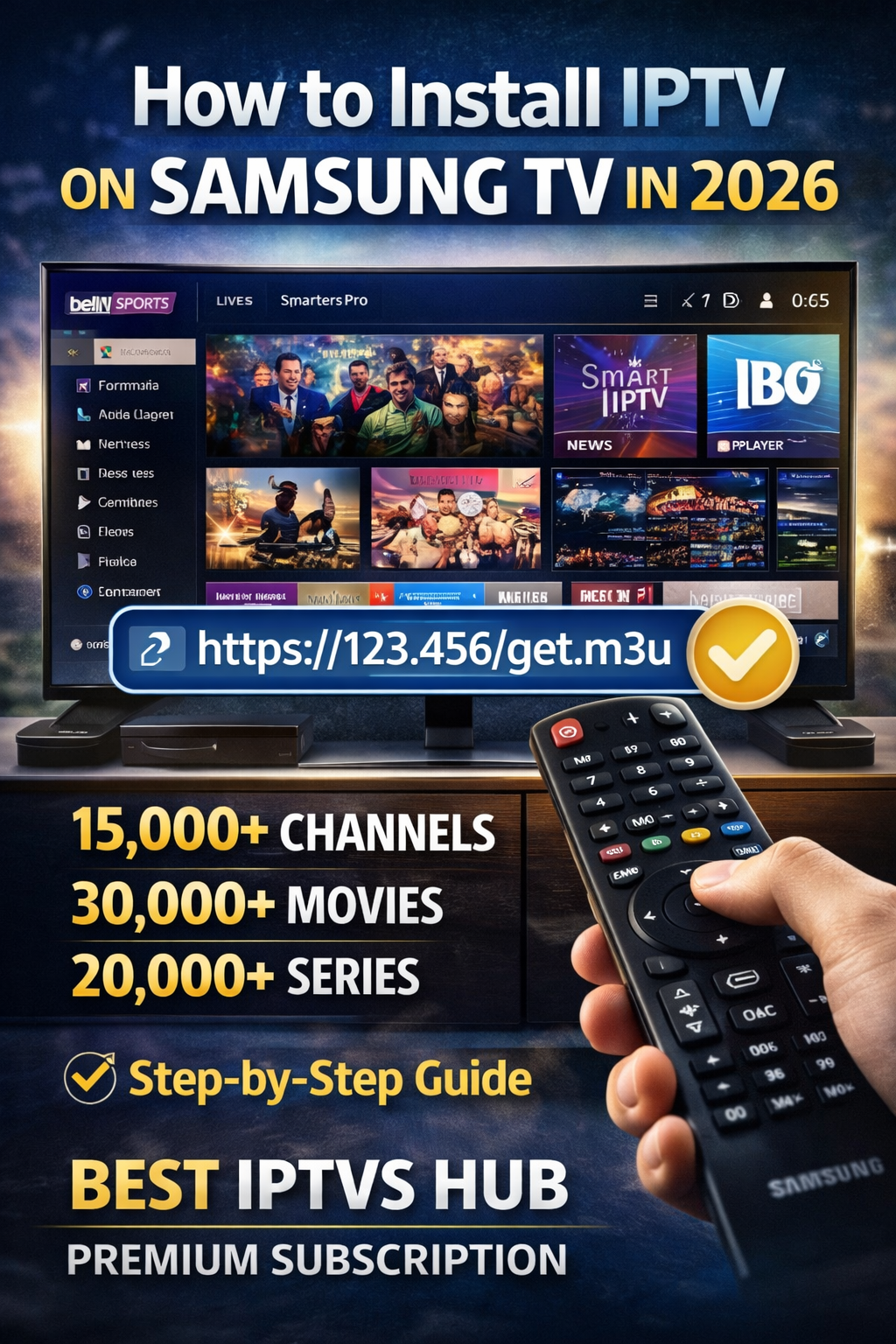
How to Install IPTV on Samsung TV in 2026 (Step-by-Step Guide)
Are you looking for the easiest way to install IPTV on Samsung TV in 2026? You are in the right place. In this complete guide by BEST IPTVS HUB, we will guide you. You will learn how to set up IPTV on your Samsung Smart TV. We will use M3U playlist and IPTV player apps for this purpose.
With our IPTV subscription, you get access to:
15,000+ Live TV Channels
30,000+ Movies
20,000+ Series
Sports (FIFA, F1, UFC & more)
International & Arabic Channels
News, Kids & Documentary
Let’s start your IPTV setup on Samsung TV.
What Do You Need to Install IPTV on Samsung TV?
Before installing IPTV on Samsung Smart TV, make sure you have:
Watch live football and sports in HD on any device with BEST IPTVS HUB IPTV subscription.
A Samsung Smart TV (Tizen OS 2019–2026 models)
Stable internet connection (minimum 20 Mbps recommended)
Active IPTV subscription from BEST IPTVS HUB
M3U playlist URL or Xtream Codes login details
Our IPTV servers provide M3U files for all regions including:
IPTV KSA (Saudi Arabia)
IPTV UAE
IPTV Qatar
IPTV Bahrain
IPTV UK
IPTV USA
IPTV Canada
IPTV Europe
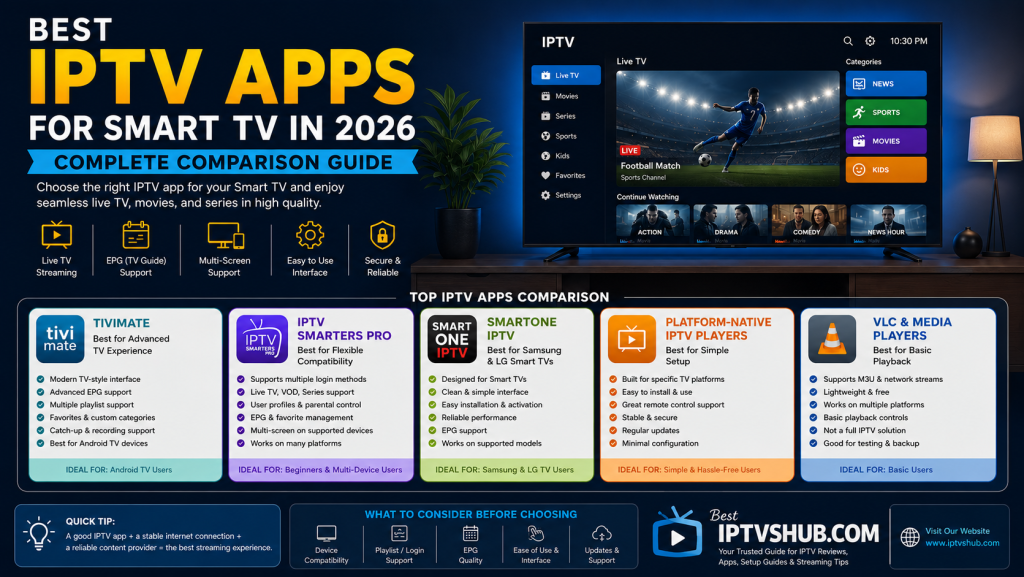
Best IPTV Apps for Samsung TV in 2026
Samsung Smart TVs do not support direct APK installation, so you must use IPTV apps available in Samsung App Store.
Here are the best IPTV players:
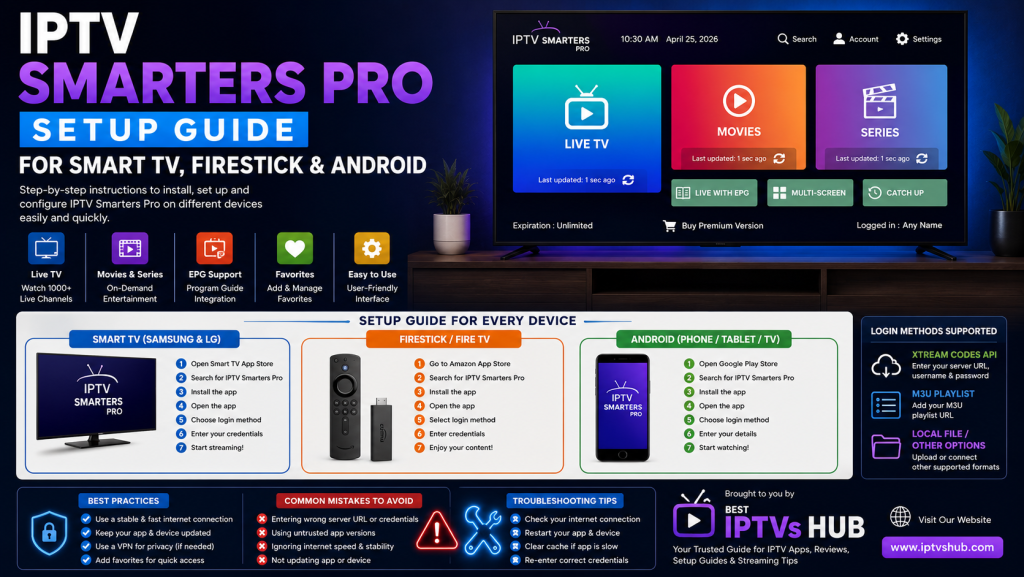
1. IPTV Smarters Player
One of the most popular IPTV apps worldwide. IPTV Smarters supports:
Saudi IPTV M3U File – Easy Setup for Live TV, Movies & Series | BEST IPTVS HUB
M3U Playlist
Xtream Codes API
EPG Support
Live TV + VOD
2. Smart IPTV (SIPTV)
Smart IPTV is widely used for M3U playlist upload via website portal.
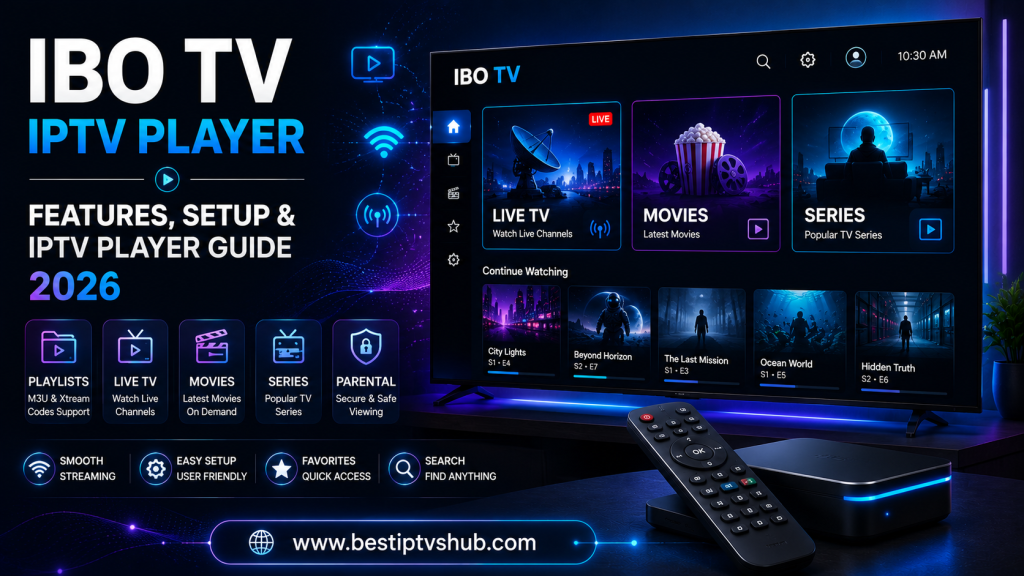
3. IBO Player
IBO Player is fast, stable, and perfect for 4K streaming on Samsung TVs.
How to Install IPTV on Samsung TV (2026 Method)
Follow these simple steps to install IPTV on Samsung Smart TV:
Step 1: Open Samsung App Store
Turn on your Samsung Smart TV
Go to Apps
Open Samsung App Store
Search for IPTV Smarters, IBO Player, or Smart IPTV
Download and install your preferred IPTV player.
Step 2: Open the IPTV App
After installation:
Open the IPTV app
Accept terms and conditions
Choose Login with M3U URL or Xtream Codes
Step 3: Enter IPTV Subscription Details
If you are using BEST IPTVS HUB subscription, enter:
M3U Playlist URL OR
Username
Password
Server URL
After entering details, click Login.
Step 4: Wait for Channels to Load
Your Samsung TV will now load:
15,000+ Live Channels
30,000+ Movies
20,000+ Series
You can now enjoy:
Arabic IPTV
UK IPTV
USA IPTV
European IPTV
Indian IPTV
Pakistani IPTV
Turkish IPTV
How to Upload M3U Playlist on Samsung TV
If using Smart IPTV:
Open Smart IPTV app
Note MAC Address displayed on screen
Visit Smart IPTV upload portal from mobile or PC
Enter TV MAC Address
Paste your M3U URL
Click Upload
Restart TV
Your IPTV channels will now appear.
IPTV Features on Samsung Smart TV
When you install IPTV on Samsung TV from BEST IPTVS HUB, you get:
Ultra HD & 4K Streaming
Enjoy crystal-clear picture quality including Full HD and 4K channels.
Live Sports Streaming
Watch major sports including:
FIFA matches
F1 races
UFC fights
International football leagues
Premium sports networks such as beIN Sports are available depending on your package.
Video On Demand (VOD)
Watch Live Arabic & International News Channels Anytime
Access:
30,000+ Movies
20,000+ TV Series
Netflix-style content
Arabic dramas
Turkish series
Anti-Freeze Technology
Our IPTV servers are optimized for:
IPTV Saudi Arabia
IPTV Middle East
IPTV Europe
IPTV North America
This ensures smooth streaming without buffering.
Why Choose BEST IPTVS HUB for Samsung IPTV?
There are many IPTV providers, but here is why users trust us:
15,000+ International Channels
Multiple Server Options
M3U Files for All IPTV Players
Works on Samsung TV 2026 Models
Fast Activation
24/7 Customer Support
Affordable IPTV Plans
Whether you are searching for IPTV KSA, IPTV UAE, IPTV UK, or IPTV USA, we offer stable servers. Our services cover all regions.
Common IPTV Samsung TV Issues & Fix
IPTV Not Loading?
Check internet speed
Restart router
Re-login with IPTV credentials
Buffering Issues?
Use wired Ethernet connection
Close background apps
Contact BEST IPTVS HUB support for optimized server
Is CATV Legal on Samsung TV?
IPTV apps themselves are legal media players. Content legality depends on provider licensing and country regulations. Always use a trusted IPTV provider.
Final Words – Install IPTV on Samsung TV in 2026
Now you know exactly how to install IPTV on Samsung TV in 2026. The process is simple:
Install IPTV app
Enter M3U playlist
Start streaming
With BEST IPTVS HUB, you get:
15,000+ Live TV Channels
30,000+ Movies
20,000+ Series
Premium Sports
International Content
Stable IPTV Servers
Upgrade your home entertainment today with the best IPTV subscription for Samsung Smart TV. with 👉 BEST IPTVS HUB