Introduction
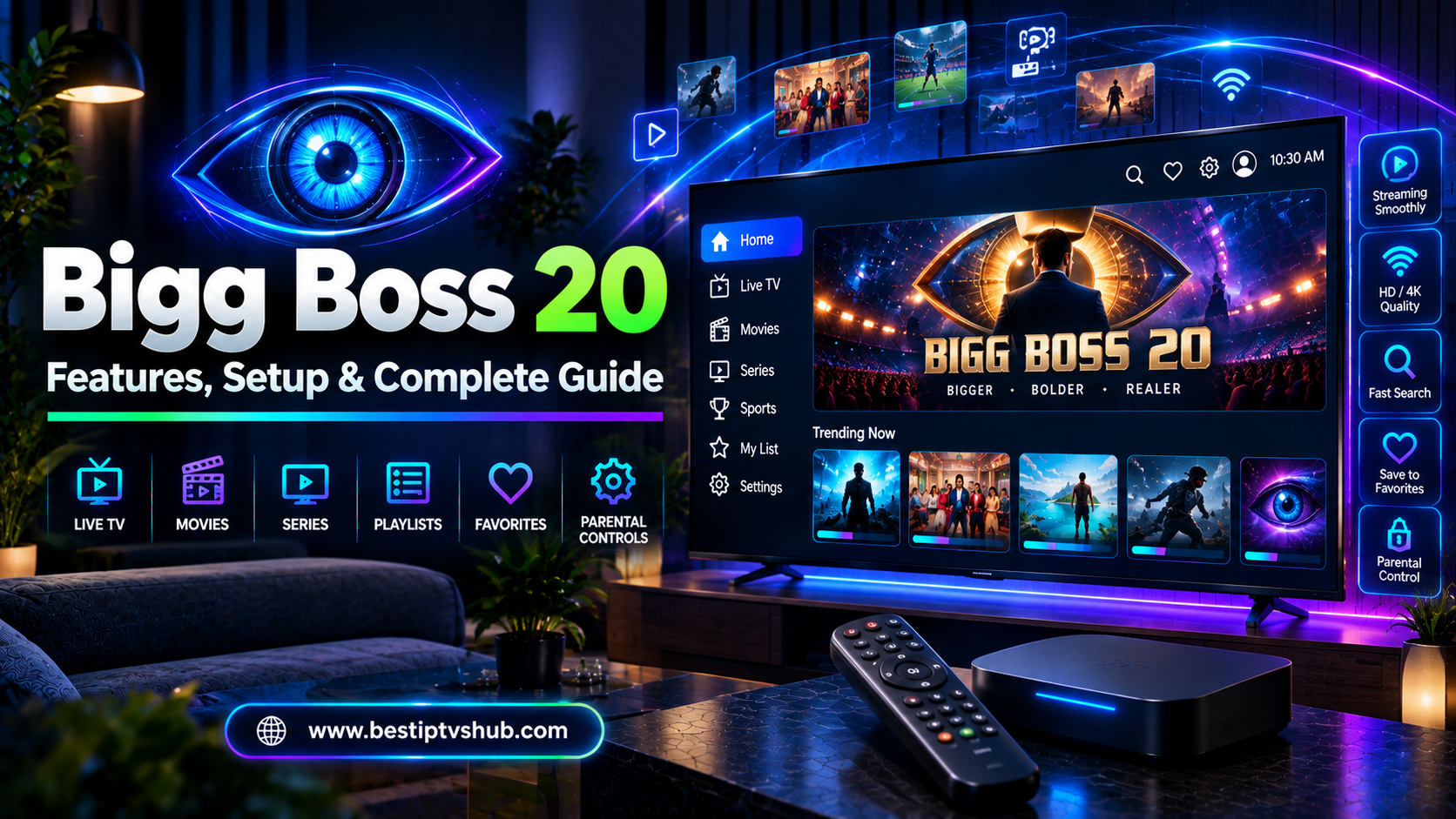
Bigg Boss 20 has taken the reality-TV conversation into another season, and viewers are increasingly choosing connected TVs, streaming devices, and internet-based television instead of traditional cable or DTH alone. But there is an important distinction to understand: IPTV is a technology for delivering television over the internet; it is not automatically a legal source of every channel or program. To watch Bigg Boss 20 reliably, you should use an authorized service or an IPTV setup that legitimately provides access to the broadcaster or streaming platform carrying the show.
Direct Answer: How can you watch Bigg Boss 20 live on IPTV?
The simplest option is to use the official streaming or television source available in your region and access it through a compatible Smart TV, Android TV/Google TV device, Fire TV-type streaming device, smartphone, computer, or supported IPTV/TV platform. In India, Bigg Boss 20 streams on JioHotstar at 9:00 PM and airs on Colors TV at 10:30 PM, Monday through Sunday. The season premiered on September 6, 2026. JioStar itself confirms that Bigg Boss Hindi Season 20 premiered on JioHotstar and COLORS, with the digital stream at 9 PM and the television broadcast at 10:30 PM. The important point is that an IPTV player and an IPTV service are different things. A player can display a stream, but it does not create the rights to that stream.
Bigg Boss 20 Live Streaming: What You Need to Know
Bigg Boss 20 follows an OTT-first approach, making internet streaming particularly important for viewers who prefer watching on connected devices. According to current broadcaster information, the Hindi season is available daily on JioHotstar at 9 PM and on Colors TV at 10:30 PM. The show has also attracted significant online attention. An Ormax StreamView report cited by The Indian Express estimated 6.4 million views for Bigg Boss 20 during the August 31–September 6 tracking week. The methodology counted viewers who watched at least 30 minutes, so this figure should not be interpreted as simple unique website visitors or total streams. For viewers, that popularity creates an obvious question:
Can IPTV make watching Bigg Boss 20 easier?
Yes—but only when the underlying source is legitimate, stable, and compatible with your device.
IPTV vs IPTV Player: What Is the Difference?
This is one of the most important concepts to understand before searching for the “best IPTV for Bigg Boss 20.”
What is IPTV?
IPTV stands for Internet Protocol Television. Instead of receiving television through traditional terrestrial, satellite, or cable transmission, content is delivered using an internet connection. Examples of internet-based television delivery include:
What is an IPTV player?
An IPTV player is software used to play compatible television streams. For example, a player may support:
However, an IPTV player does not automatically provide Bigg Boss 20. Think of it like a media player on your computer. Installing the player does not give you ownership or access to every movie ever made. The same principle applies to IPTV.
How to Watch Bigg Boss 20 Live on IPTV: Step-by-Step
If you already have a legitimate IPTV-compatible television setup, the process is straightforward.
Step 1: Check the official Bigg Boss 20 source
Before configuring anything, establish where the program is officially available in your location. For viewers in India, current information from JioStar confirms:
| Platform | Bigg Boss 20 Availability | Current Timing |
|---|
| JioHotstar | Digital streaming | 9:00 PM |
| Colors TV | Television broadcast | 10:30 PM |
| Compatible connected devices | Access through supported official service/app | Depends on platform |
The schedule is currently daily, Monday through Sunday.
Step 2: Choose your viewing device
You can potentially watch through:
Your exact options depend on the official service and your location.
Step 3: Install the authorized application or service
If your Smart TV or streaming device supports the official application, install it from the device's legitimate app store. Avoid downloading unknown APK files from random websites simply because they claim to offer “free Bigg Boss 20 live streaming.” Unknown applications can create several problems, including:
Malware
Unwanted advertisements
Account theft
Poor-quality streams
Unstable playback
Privacy risks
Sudden service shutdowns
Step 4: Sign in if required
Depending on the platform and subscription arrangement, you may need an account. Use the official account and avoid entering your credentials into unofficial websites claiming to unlock premium streams.
Step 5: Search for Bigg Boss 20
Once inside the legitimate service:
Open the search function.
Search for “Bigg Boss 20.”
Select the current season.
Choose the available live or episode option.
Start playback.
If you are watching through a television channel rather than an OTT application, select the appropriate channel through your authorized TV service.
Step 6: Test your connection before the episode starts
Don't wait until 9 PM to discover that your Wi-Fi is unstable. Open the service 5–10 minutes before the expected start time and check:
This small check can prevent a frustrating experience when an important episode or live event begins.
Can You Watch Bigg Boss 20 on a Smart TV Using IPTV?
Yes, but the exact method depends on the Smart TV, operating system, and service you're using. Modern televisions may support streaming applications directly, eliminating the need for a separate IPTV box.
- Samsung Smart TV: If the required authorized application is supported on your Samsung TV, you can generally install it through the television's application ecosystem.
- LG Smart TV: LG televisions also support various streaming applications, although availability can vary according to model, operating system, and country.
- Android TV and Google TV: Android TV and Google TV devices provide another convenient option because users can install supported streaming applications through the appropriate app ecosystem.
- External streaming device: If your television does not support the required application, an external streaming device can turn an older TV into a connected entertainment system. This can be particularly useful for:
Older televisions
Guest rooms
Small offices
Waiting areas
Rental properties
Hospitality environments
However, commercial or public viewing may involve additional licensing requirements. Don't assume that a consumer subscription automatically permits public or commercial screening.
How Much Internet Speed Do You Need?
Your IPTV experience depends heavily on your internet connection. A fast connection isn't the only factor. Consistency matters. For example, a connection that briefly reaches high speeds but frequently drops packets can produce a worse streaming experience than a slower but stable connection. For HD streaming, having a reasonably fast and stable broadband connection is generally advisable. If several people are simultaneously:
Streaming video
Gaming
Uploading files
Attending video meetings
Downloading large files
then available bandwidth can be divided between devices.
For a better Bigg Boss 20 streaming experience:
Prefer 5 GHz Wi-Fi when you're close enough to the router.
Use Ethernet for stationary TV setups when practical.
Restart an overloaded router.
Avoid unnecessary background downloads.
Keep your streaming device updated.
Test the connection before the episode begins.
Why Bigg Boss 20 IPTV Streaming May Buffer
Buffering is one of the most common complaints about internet television. But buffering doesn't automatically mean that your IPTV player is defective. The problem can originate from several places.
- Weak Wi-Fi signal: A television located far from the router may receive a weaker connection.
- Network congestion: Multiple connected devices can consume bandwidth simultaneously.
- Server-side problems: If the legitimate streaming platform is experiencing unusually high demand, playback may be affected. Bigg Boss is a high-interest program, and major episodes can attract large audiences.
- Outdated application: An old version of a streaming application may cause compatibility or playback issues.
- Device limitations: Older Smart TVs and low-powered streaming devices may struggle with newer applications or higher-resolution video.
- Unreliable unauthorized streams: Unofficial streams can disappear, change addresses, freeze, or become overloaded without warning. This is one reason a legitimate source is generally preferable to chasing links that promise “free unlimited IPTV.”
How to Fix Bigg Boss 20 IPTV Buffering
If your stream is buffering, work through the problem systematically.
Quick troubleshooting checklist
- Restart the application: Close the app completely and open it again.
- Restart the device: A simple reboot can clear temporary software problems.
- Restart your router: Power-cycle the router and wait for the connection to return.
- Reduce network usage: Pause large downloads, cloud backups, or unnecessary streaming on other devices.
- Try Ethernet: If possible, connect the TV or streaming device directly to the router.
- Reduce video quality: If the service allows manual quality selection, temporarily use a lower resolution.
- Check another service: Try another legitimate video service. If everything else works normally, the problem may be specific to the original platform.
- Check for an outage: Sometimes the problem is on the service provider's side, not yours.
Is It Legal to Watch Bigg Boss 20 Through IPTV?
This question requires an important distinction.
IPTV itself is not illegal.
It is simply a method of delivering television content over an internet connection. The legal question is whether the service you're using has the appropriate rights to distribute the content.
- Safer approach: Use:
Official streaming platforms
Authorized television providers
Licensed IPTV services
Legitimate applications
Official broadcaster channels
- Be cautious with services offering:
“Every premium channel for free”
Extremely cheap lifetime subscriptions
Unknown M3U lists
Unverified APK files
Anonymous payment methods
Streams that constantly change domains
Content that appears to be redistributed without authorization
The fact that a stream works does not necessarily mean that it is authorized. For a dependable viewing experience, prioritize legitimate access over the cheapest possible stream.
Bigg Boss 20 Outside India: What Changes?
Streaming rights can differ by country. JioStar announced in September 2026 that JioHotstar launched in the UK, Canada, and Singapore, with international Bigg Boss features. The company said audiences in Canada and the UK would have access to a 24×7 Bigg Boss live feed, while Canada would also receive Bigg Boss Hindi seven days ahead of its television broadcast. That means viewers outside India should not automatically assume that the Indian viewing setup applies to their country. Before using an IPTV service abroad:
Check whether the official service is available in your country.
Check which version of Bigg Boss is available.
Verify the local schedule.
Check whether live streaming is included.
Confirm that the service is authorized in your market.
This is particularly important for Indian expats who want to watch Bigg Boss 20 while living abroad.
JioHotstar vs IPTV: Which Is Better for Bigg Boss 20?
The answer depends on what you mean by IPTV. If you're comparing the official JioHotstar streaming experience with an unverified IPTV subscription, the official source is generally the safer choice.
| Factor | Official Streaming | Authorized IPTV/TV Service | Unverified IPTV |
|---|
| Reliability | Generally higher | Depends on provider | Unpredictable |
| Content rights | Authorized | Should be authorized | May be unclear |
| App support | Usually strong | Provider dependent | Often inconsistent |
| Updates | Automatic | Provider dependent | Can break frequently |
| Customer support | Available through platform | Provider dependent | Often limited |
| Security | Lower risk | Depends on provider | Higher uncertainty |
| Long-term stability | Stronger | Provider dependent | Uncertain |
The key lesson is simple: Don't choose an IPTV service only because it lists Bigg Boss 20. Check where its content comes from and whether the provider is authorized.
Best IPTV Setup for Bigg Boss 20
If you're building a reliable home entertainment setup, keep it simple.
Recommended setup
Internet connection → Router → Smart TV/Streaming Device → Authorized Streaming Service → Bigg Boss 20
- For a larger screen: Stable broadband → Ethernet/Wi-Fi → Android TV/Google TV/Smart TV → Official streaming application → TV
- For older televisions: Stable broadband → Streaming device → Official application → HDMI → TV
This setup is usually easier to maintain than relying on complicated third-party configurations.
Why It Matters
For viewers, a reliable setup means fewer interruptions during important episodes. But this topic also has relevance for small businesses, startups, local businesses, and hospitality operators. Restaurants, cafés, salons, waiting rooms, hotels, and other businesses increasingly use connected displays to create a better customer environment. However, business owners should distinguish between:
A consumer subscription should not automatically be treated as permission for commercial broadcasting. If you're building a website for a streaming-focused business, the same principle applies online: clearly explain what your service does, what content it supports, and what users actually receive. This is one reason professional website development matters in the IPTV and streaming industry. A confusing website can create unnecessary customer support questions, payment hesitation, and trust issues.
Common Mistakes to Avoid
- Confusing an IPTV player with an IPTV provider: Installing a player doesn't automatically provide legal access to Bigg Boss 20.
- Choosing an IPTV service only because it is cheap: An unusually cheap subscription can come with reliability, security, or licensing concerns.
- Downloading random APK files: Avoid installing applications from unknown websites simply because they promise premium channels.
- Waiting until 9 PM to test everything: Test your setup before the episode begins.
- Blaming the TV for every buffering problem: Network congestion, Wi-Fi interference, platform issues, or server problems can all cause playback problems.
- Assuming Indian availability applies everywhere: Streaming rights and schedules can vary by country.
- Using unauthorized streams for commercial display: Businesses should verify the applicable rights before displaying entertainment publicly.
Best Practices for Watching Bigg Boss 20 Live
For the most reliable experience, follow these practical recommendations:
Use an authorized source.
Install applications from official app stores whenever possible.
Use a stable broadband connection.
Prefer Ethernet for stationary TV setups when practical.
Keep your Smart TV and streaming device updated.
Test playback before the scheduled episode.
Keep a backup internet connection if live viewing is critical.
Avoid unknown IPTV playlists and suspicious APK downloads.
Check regional availability if you're outside India.
Don't confuse an IPTV player with content licensing.
Bigg Boss 20 and the Growing Importance of Streaming
Bigg Boss 20 is a good example of how television consumption continues to change. The season launched with an OTT-first approach, streaming on JioHotstar before its later television broadcast on Colors TV. JioStar also described the season as its biggest reality-show launch on JioHotstar, reporting a record opening for a reality property on the platform. For viewers, that means the traditional question of “Which TV channel?” is increasingly becoming:
“Which platform, device, connection, and subscription should I use?”
That shift matters beyond entertainment. For startups and local businesses building websites around streaming, subscriptions, digital products, or online services, the website becomes part of the customer experience. A professional website should make it immediately clear:
What the business provides
Which devices are supported
How setup works
What customers receive
How they can contact support
What the terms and conditions are
Which services are officially supported
This is where a specialized web development company can make a meaningful difference.
For IPTV-related website inspiration and industry-focused content, Best IPTVs HUB can also be useful as a reference point for understanding how streaming-focused websites organize content around devices, viewing guides, and user questions.
Frequently Asked Questions
1. Can I watch Bigg Boss 20 live on IPTV?
Yes, you can watch Bigg Boss 20 through an internet-based television setup when the authorized source carrying the program is supported on your device or IPTV/TV platform. In India, the current official digital destination is JioHotstar, with the show streaming at 9 PM, while Colors TV broadcasts it at 10:30 PM. The important distinction is that IPTV is a delivery technology. You should verify that the provider you're using has legitimate rights to distribute the content.
2. What time does Bigg Boss 20 stream live?
Bigg Boss 20 currently streams on JioHotstar at 9:00 PM and airs on Colors TV at 10:30 PM, Monday through Sunday. Schedules can change for special programming, so viewers should check the platform close to the episode time.
3. Can I watch Bigg Boss 20 on a Smart TV?
Yes. If your Smart TV supports the authorized streaming application, you can watch the program directly on the television. Android TV, Google TV, Samsung, LG, and other platforms may have different application availability depending on the model and region. If your TV doesn't support the required application, a compatible external streaming device can provide another option.
4. Is an IPTV player enough to watch Bigg Boss 20?
No. An IPTV player is primarily software for playing compatible streams. It doesn't automatically provide the rights or subscription needed to watch Bigg Boss 20. You still need an authorized source that carries the program.
5. Why does my Bigg Boss 20 IPTV stream keep buffering?
Buffering can result from weak Wi-Fi, network congestion, insufficient bandwidth, outdated software, device limitations, or problems with the streaming server. Start by restarting the application and router, reducing other network usage, and trying an Ethernet connection. If other streaming services work normally while one service does not, the problem may be on the provider's side.
6. Can I watch Bigg Boss 20 outside India?
Availability depends on the country. JioStar announced the international launch of JioHotstar in the UK, Canada, and Singapore in September 2026, with different Bigg Boss features and availability across those markets. Don't assume that the Indian service, schedule, or content rights automatically apply internationally. Check the official availability for your country.
7. What is the best IPTV for Bigg Boss 20?
There isn't one universal IPTV service that is automatically the best for everyone. The better choice is an authorized service that legally provides the required channel or streaming access, works reliably on your device, offers adequate video quality, and provides customer support. For most viewers, legitimate access, reliability, device compatibility, and security should matter more than simply finding the cheapest IPTV subscription.
Conclusion
Watching Bigg Boss 20 live on IPTV can be convenient, especially when you prefer Smart TVs, Android TV, Google TV, streaming devices, or other internet-connected entertainment systems. For viewers in India, the current setup is straightforward: Bigg Boss 20 streams on JioHotstar at 9 PM and airs on Colors TV at 10:30 PM, every day. The most important thing to remember is that IPTV is the technology—not the content license. An IPTV player can display a stream, but the source providing that stream should be authorized to distribute the program. For the best experience:
Use legitimate streaming sources.
Check regional availability.
Use a stable internet connection.
Keep your devices updated.
Test your setup before the episode.
Avoid suspicious IPTV services, playlists, and APK downloads.
Don't assume personal subscriptions allow commercial/public viewing.
As streaming continues to replace traditional viewing habits, the same principles apply to businesses building websites around digital entertainment: transparency, usability, reliability, and trust are critical.
Call to Action
Want to learn more about IPTV players, Smart TV setup, Fire TV, Android TV, streaming devices and online television technology?
Visit us for practical IPTV guides, streaming tutorials, device comparisons and troubleshooting resources. Find the right and best server like FOX player, IB player, IBO TV and many more.