


IPTV Firestick Setup Guide 2026 | Easy Install & Watch IPTV

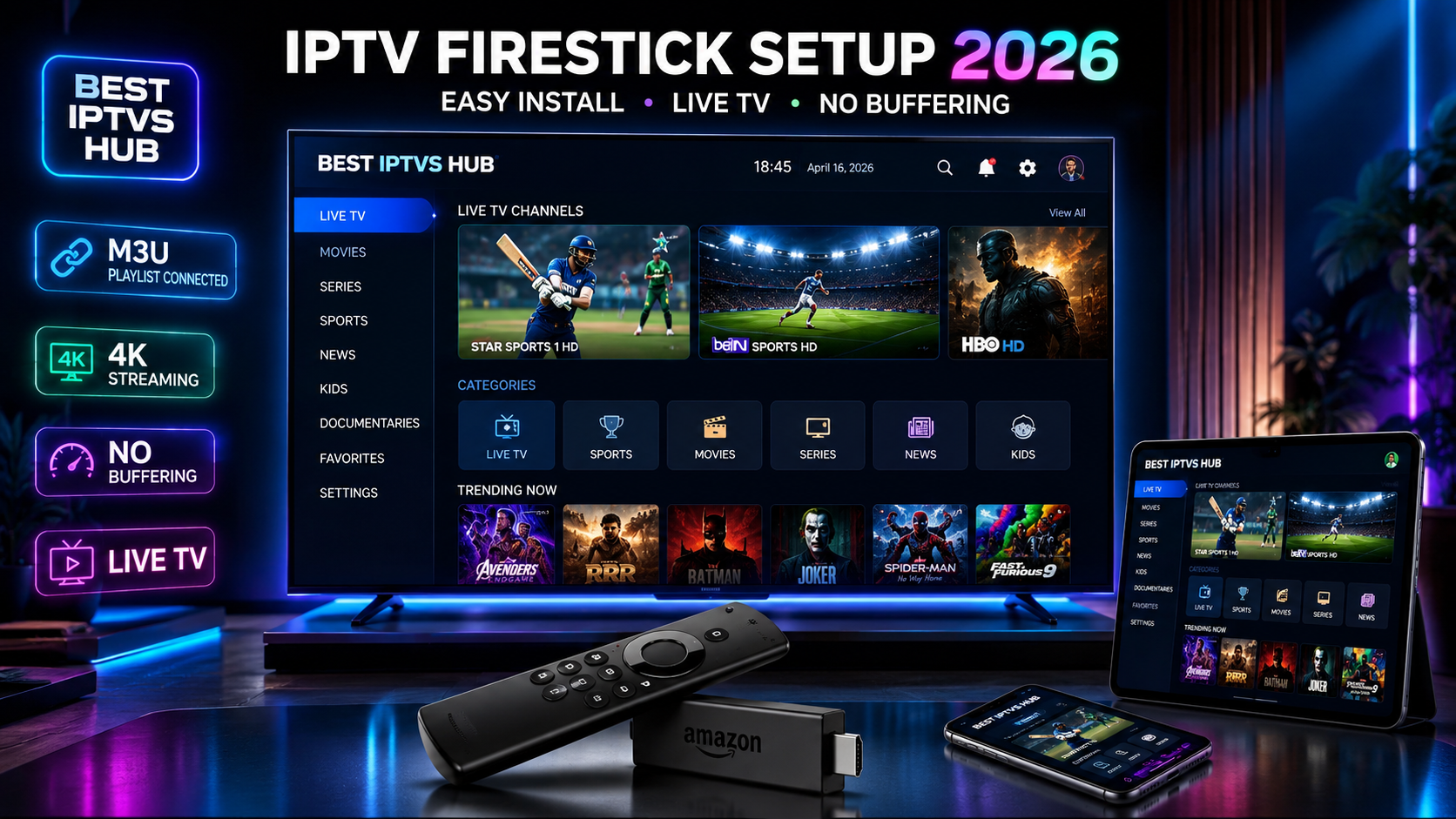
IPTV Firestick Setup Guide (2026) – How to Install & Watch IPTV on Amazon Firestick Easily
Setting up IPTV on Fire TV Stick can feel confusing, especially if you’re new to streaming technology. Many users struggle with installing apps, adding playlists, or even understanding which IPTV player to use. At the same time, traditional cable TV is expensive and limited. You miss global channels, live sports, and premium content—all in one place. That’s where this IPTV Firestick setup guide comes in. This step-by-step tutorial will show you exactly how to install IPTV on Firestick, add your subscription, and start streaming instantly—without technical headaches.
What is IPTV on Firestick?
IPTV (Internet Protocol Television) is a modern way of watching TV through the internet instead of satellite or cable.
When you use IPTV on Firestick:
- Your TV becomes a smart streaming hub.
- Content is delivered via an internet connection.
- You can access live TV, movies, and series globally.
The Amazon Fire TV Stick acts as a bridge between your TV and IPTV services, allowing you to install apps and stream content in HD or 4K quality.
Why Use IPTV on Firestick?
Using IPTV for Fire TV offers multiple advantages compared to traditional TV services:
- Affordable: Much cheaper than cable or satellite
- Global Access: Watch channels from any country
- 4K & HD Streaming: Crystal-clear video quality
- Easy Setup: No technical expertise required
- Portable: Use Firestick anywhere with internet
This makes Fire TV Stick one of the best devices for IPTV streaming in 2026.
Why Choose BEST IPTVS HUB?
When it comes to selecting a premium IPTV service, performance and reliability matter.
BEST IPTVS HUB delivers:

- Anti-freeze technology for smooth streaming
- 99.9% uptime for uninterrupted viewing
- Ultra-fast servers worldwide
- Instant activation after purchase
- 15,000+ live channels & 50,000+ VOD content
- 24/7 customer support
Whether you want Indian channels, Arabic content, or international sports, everything is available in one subscription.
Requirements Before Setup
Before starting your IPTV Firestick setup, make sure you have:
- Amazon Firestick device
- Stable internet connection (minimum 20 Mbps recommended)
- Active IPTV subscription
- IPTV player app
- Downloader app (for APK installation)
Once these are ready, you can proceed with installation.
Step-by-Step IPTV Firestick Setup
This is the most important part of the Firestick IPTV guide. Follow each step carefully.
Step 1: Enable Unknown Sources
To install third-party apps:
- Go to Settings
- Select My Fire TV
- Click Developer Options
- Enable Apps from Unknown Sources
This allows installation of IPTV APK files.

Step 2: Install the Downloader App
- Open the Amazon App Store
- Search for Downloader
- Install the app
This app helps you download IPTV apps directly.
Step 3: Download IPTV App (APK)
- Open Downloader
- Enter the IPTV app URL
- Download the APK file.
Common apps include IPTV Smarters or TiviMate.

Step 4: Install IPTV Player
After downloading:
- Click Install
- Wait for the installation to complete
- Open the IPTV player.
Step 5: Add M3U Playlist / Xtream Codes
Now connect your IPTV subscription:
- Select Login with Xtream Codes or M3U URL
- Enter your login details.
- Click Add User
This step activates your IPTV service.
Step 6: Start Watching
Once loaded:
- Browse channels
- Select category (sports, movies, etc.)
- Start streaming instantly
Your IPTV Firestick setup is now complete.
Best IPTV Apps for Firestick
Choosing the right IPTV player for Firestick improves your experience.
IPTV Smarters Pro
- User-friendly interface
- Supports Xtream Codes
- Great for beginners
TiviMate
- Advanced features
- EPG support
- Best for power users
IBO Player
- Fast and stable
- Clean UI
HOT IPTV
- Lightweight app
- Quick setup
IB Player Pro
- Premium features
- Smooth streaming
Each app supports M3U IPTV playlists and delivers high-quality playback.
IPTV Streaming Experience
With a premium IPTV service, your streaming experience becomes seamless.
You get:
- Live TV channels from around the world
- Movies & TV series on demand
- Live sports streaming, including IPL, FIFA, UFC, F1
- 4K Ultra HD quality
- No buffering performance
This is what makes IPTV superior to traditional broadcasting.
Channels & Content Categories
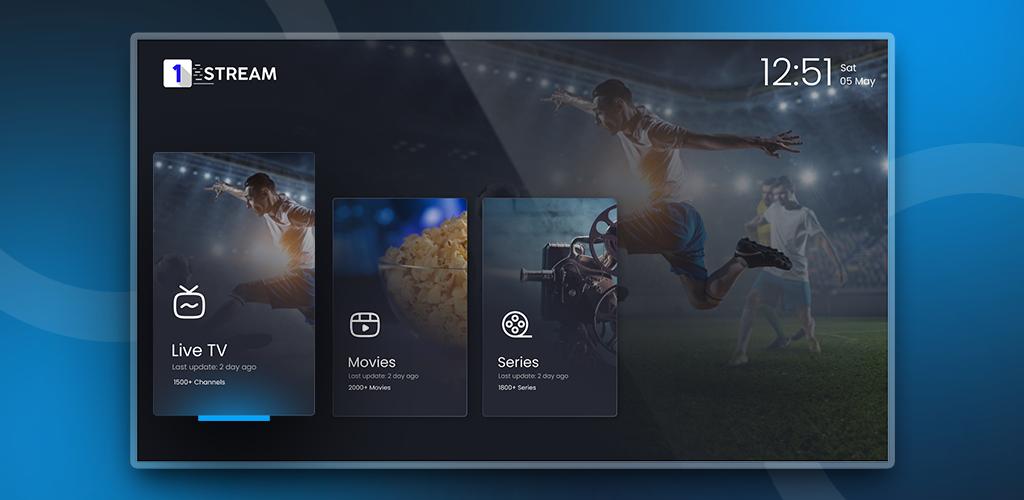
A good IPTV subscription offers diverse content categories:
- Live TV Channels
- Movies (Hollywood, Bollywood, Arabic)
- TV Series
- Kids & Cartoons
- News Channels
- Sports Channels
- International Channels
With BEST IPTVS HUB, you access everything in one place.
Sports IPTV on Firestick
Sports fans benefit the most from IPTV.
With the Best sports IPTV service, you can watch:
- IPL live streaming
- Cricket matches worldwide
- Football leagues (EPL, UEFA)
- UFC fights
- Formula 1 races
Supported channels include:
- beIN Sports
- Sky Sports
- ESPN
- BT Sport
No delays, no buffering—just real-time action.
IPTV for Different Countries
IPTV is perfect for global users who want access to home-country content.
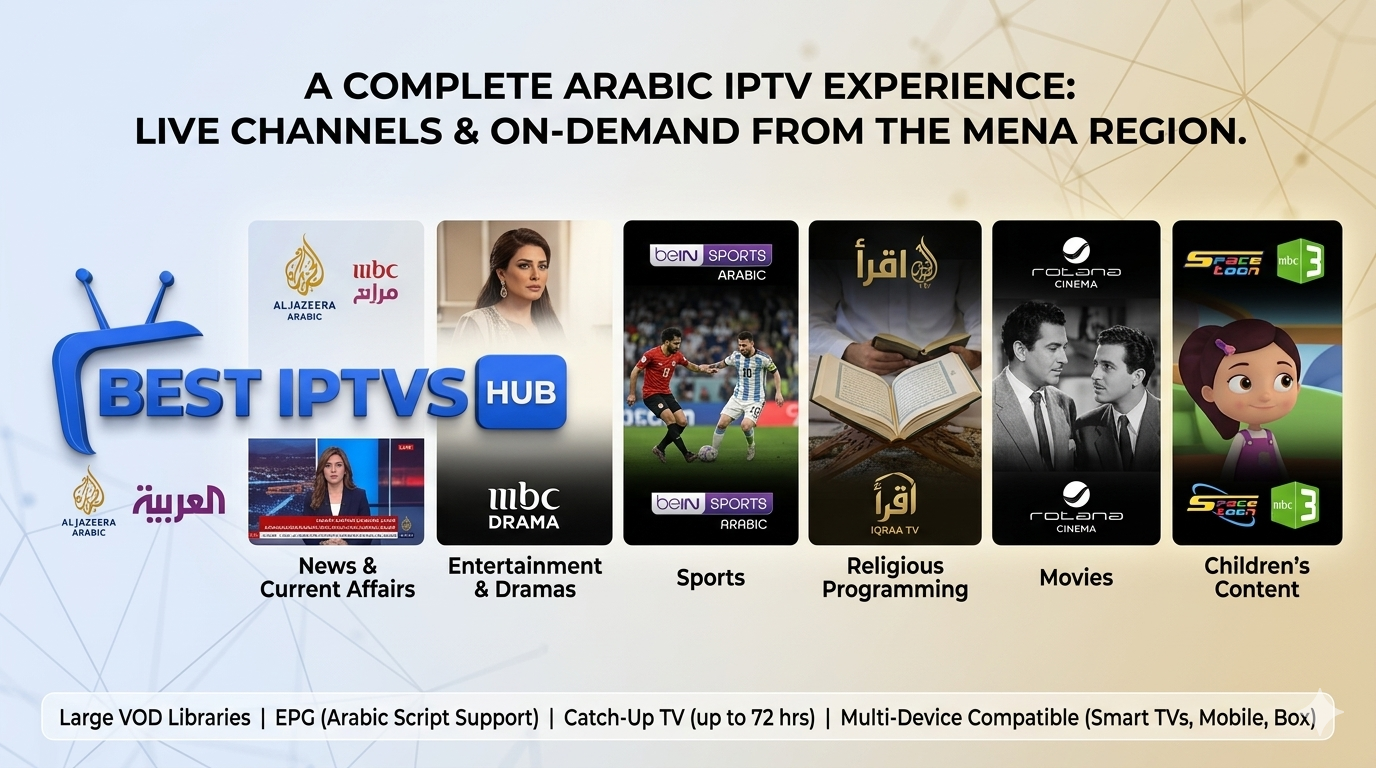
Middle East
- Saudi Arabia (KSA)
- UAE
- Qatar
- Bahrain
- Egypt
Europe
- UK
- Germany
- Italy

North America
- USA
- Canada
Asia
- India
- Pakistan
- Bangladesh
You can easily watch regional channels abroad using IPTV.
Server Performance & Stability
Performance is critical in IPTV streaming.
BEST IPTVS HUB ensures:
- No buffering IPTV experience
- High-speed global servers
- CDN optimization
- Stable live streaming
This guarantees smooth playback even during peak hours.
Pricing & Subscription Plans
IPTV is significantly cheaper than cable TV.
Typical plans include:
- Quarterly plans
- Yearly packages (best value)
Additional benefits:
- Free trial options
- Flexible pricing
- No hidden charges
Compared to cable, IPTV offers more content at a lower cost.
BEST IPTVS HUB vs Other IPTV Providers
| Price | Affordable | Expensive |
| Channels | 15,000+ | Limited |
| Streaming Quality | 4K/HD | Mostly HD |
| Stability | 99.9% uptime | Frequent buffering |
| Support | 24/7 | Limited |
This makes BEST IPTVS HUB a leading IPTV provider in 2026.
FAQs
What is IPTV on Firestick?
It is a method of streaming TV channels via the internet using a Fire TV Stick.
How to install IPTV on Firestick?
You install an IPTV app, add M3U or Xtream Codes, and start streaming.
Is IPTV legal?
IPTV itself is legal, but legality depends on content licensing in your region.
Can I use IPTV without a VPN?
Yes, but using a VPN can improve privacy and access.
Which IPTV is best for Fire TV Stick?
A premium provider with fast servers, no buffering, and global content is ideal.

Call To Action
Ready to upgrade your streaming experience?
- Get your premium IPTV subscription today.
- Enjoy 15,000+ live channels & 50,000+ VOD content
- Stream in HD & 4K without buffering
- Start instantly with easy Firestick setup.


This guide perfectly clarifies why traditional cable feels so limiting compared to the seamless global access IPTV offers on a Firestick. The distinction you drew about the Fire TV acting as a bridge really helped me understand how to set up my local streaming hub without the usual technical headaches. It is exactly the kind of practical, step-by-step walkthrough I needed for 2026.
It is really refreshing to see a guide that explicitly addresses the confusion around choosing the right IPTV player and adding playlists. Your point about the Fire TV Stick acting as a seamless bridge to global content really resonates with the frustration of expensive, limited cable options. This step-by-step breakdown should definitely help newcomers get started without any technical headaches.